Looking for an alternative to salesforce excel connector?
incl. expert's advice for effective data management and strategy
Last modified by Ben Ford, on 05/jan/2026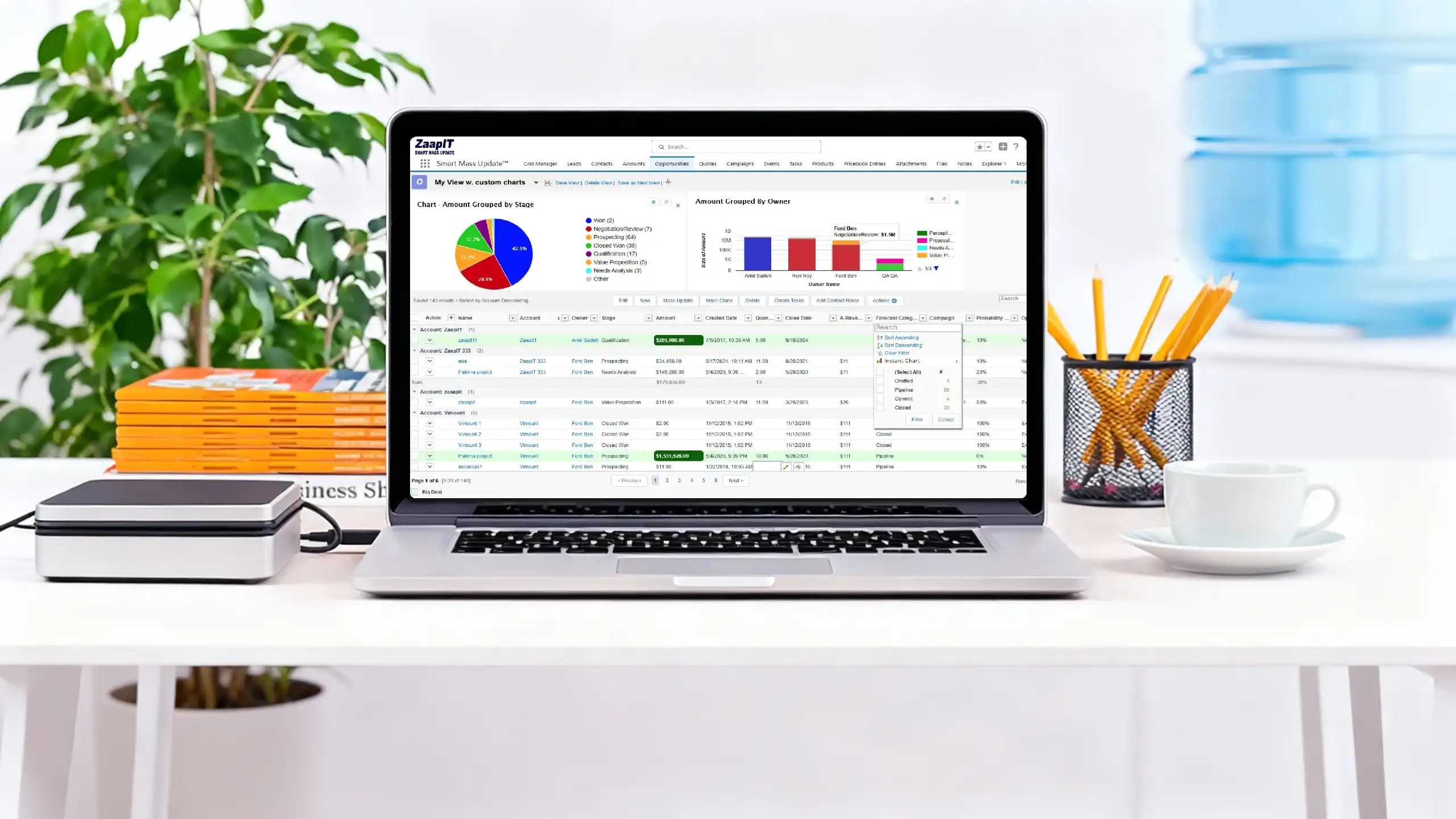
So, you opened Excel one morning only to discover that your legacy Excel to Salesforce connector is no longer working. Unfortunately, this is not a temporary issue — the Excel–Salesforce connector has been officially discontinued and is no longer supported.
At the same time, Salesforce data imports come with strict limitations. Salesforce allows updates of only up to 200 rows per operation, offering limited automation, minimal flexibility, and restricted customization options. For teams managing large datasets, this quickly becomes a bottleneck.
If your business relies on Excel to Salesforce data sync, bulk Salesforce updates, or automated CRM data integration, these limitations can slow operations, increase manual work, and introduce costly errors. Modern organizations need a scalable, reliable, and fully supported Salesforce integration solution—not outdated connectors or restrictive import tools.
Try ZaapIT for FREE Now!
Popular ZaapIT Features!
Bulk Create and Update Salesforce Records
Easily bulk create and update Salesforce records with no data exports required. Run high-volume operations on any number of records while fully respecting user permissions, validation rules, flows, and triggers.
Standardize your data at scale by applying country formats, phone number formats, and custom field formatting in bulk—all directly inside Salesforce.
Bulk Edit Salesforce Records
Perform fast and powerful mass inline edits in Salesforce across any object or field, including multiple record types. Built-in tools such as find and replace, calculated updates, and one-click copy make large-scale edits simple and safe.
All edits automatically follow Salesforce security, validation rules, flows, and triggers, ensuring data integrity at every step.
Salesforce Export and Import (with Deduplication)
Export and import Salesforce records directly from within Salesforce—no external tools required. The built-in deduplication engine prevents duplicate record creation, helping you maintain a clean, accurate CRM database during every import.
Bulk Convert, Custom Actions, and Buttons
Go beyond standard updates with advanced bulk actions, including bulk record conversion and other powerful operations. Create custom buttons and actions tailored to your workflows to automate repetitive tasks and improve user productivity.
For step-by-step instructions, explore the Guides section.